A software product can look polished, offer the right features, and still struggle when real users begin putting it under pressure.
Pages become slower. APIs take longer to respond. Database queries create bottlenecks. Infrastructure costs increase. Releases become more difficult because every change affects another part of the system.
In many cases, these aren't simply performance problems. They're architecture problems showing up as performance problems.
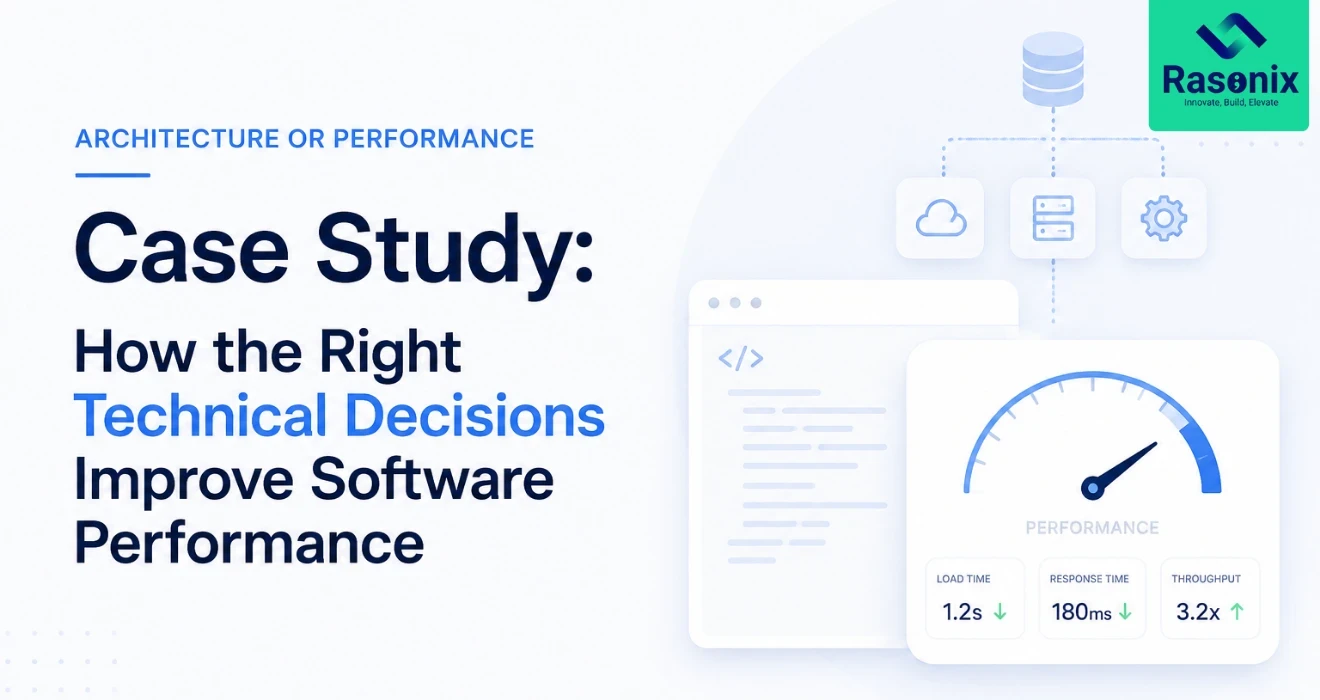
This case study explores how a growing software platform can be assessed, restructured, and optimised to improve performance, scalability, and long-term maintainability.
Note: The metrics and project details below are illustrative placeholders. Replace them with verified project data before publishing.
The Project
The client operated a growing web-based platform serving an increasing number of users and processing large volumes of application data.
The product had initially been developed to validate the business idea and reach the market quickly. That approach worked well during the early stages.
But as usage increased, the architecture started showing its limitations.
The platform experienced:
-
Slower page and API response times
-
Increasing database load
-
Performance drops during peak traffic
-
Longer deployment cycles
-
Difficulty scaling individual components
-
Growing infrastructure requirements
-
Increased risk when releasing new features
Adding more server capacity provided temporary relief, but it wasn't addressing the underlying problem. The platform needed a deeper technical review and scalable software architecture.
The Challenge
The primary objective wasn't simply:
"Make the application faster."
The engineering team needed to understand why performance was deteriorating as the product grew. Several areas required investigation.
- Was the application performing unnecessary database operations?
- Were APIs returning more data than required?
- Were expensive processes blocking user requests?
- Was the infrastructure scaling efficiently?
- Had tightly connected application components created unnecessary dependencies?
Without answering these questions, isolated performance fixes would only provide short-term improvements.
Step 1: Establishing the Performance Baseline
Before changing the architecture, the engineering team established a measurable baseline.
This included reviewing:
-
Application response times
-
API latency
-
Database query performance
-
CPU and memory utilisation
-
Error rates
-
Peak traffic behaviour
-
Infrastructure utilisation
-
Slow application workflows
- Performance testing
Monitoring and application logs were also reviewed to understand where users were experiencing the greatest delays.
This provided an important starting point. Instead of optimising based on assumptions, the team could prioritise changes according to actual system behaviour.
Step 2: Identifying the Main Bottlenecks
The assessment highlighted several areas contributing to poor performance.
1. Database Queries
Some frequently used workflows required multiple database queries, including operations that could be consolidated or cached. As the database grew, these queries became increasingly expensive.
2. API Design
Several API endpoints returned more information than the frontend actually required. This increased database processing, payload sizes, and response times.
3. Synchronous Processing
Certain resource-intensive operations were completed during the user's request. Users therefore had to wait for processes that didn't necessarily need to happen immediately.
4. Application Coupling
Some parts of the application were tightly connected. A high workload in one area could affect the performance of unrelated functionality.
5. Scaling Strategy
Infrastructure could be expanded, but the application wasn't structured to take full advantage of that additional capacity. These findings changed the nature of the project. The solution wasn't one optimisation. It required improvements across application architecture, database access, APIs, processing, caching, and infrastructure.
Step 3: Redesigning the Architecture
The engineering team developed an incremental architecture improvement plan. A complete rewrite was deliberately avoided. Rewrites can introduce significant cost and risk, particularly when an existing application already supports active users. Instead, the highest-impact bottlenecks were addressed progressively.
1. Separating Critical Workloads
High-load application processes were isolated where appropriate so they could be managed and scaled more independently. This reduced the possibility of one demanding process degrading the entire application.
2. Introducing Asynchronous Processing
Tasks that didn't need to complete during the user's request were moved to background processing.
For example:
Before
User request → Heavy processing → Database update → Response
After
User request → Queue task → Immediate response
↓
Background worker → Processing → Database update
This allowed the application to respond faster while resource-intensive work continued separately.
3. Improving API Architecture
API endpoints were reviewed to reduce unnecessary data transfer and database activity.
The team focused on:
-
Returning only required data
-
Reducing duplicate requests
-
Improving validation
-
Optimising frequently used endpoints
-
Standardising error handling
These improvements reduced processing overhead while making the APIs easier to maintain.
Step 4: Optimising the Database
Database performance was one of the most important areas of the project.
The engineering team analysed frequently executed and slow-running queries.
Improvements included:
-
Adding appropriate indexes
-
Removing unnecessary queries
-
Reducing repeated database calls
-
Optimising joins
-
Improving data retrieval patterns
-
Reviewing database connection handling
Frequently requested data that didn't change constantly was also evaluated for caching.
This reduced unnecessary pressure on the database during high-traffic periods.
Step 5: Introducing Strategic Caching
Not every request needs to retrieve information directly from the database. Caching was introduced for suitable data and operations.
A simplified flow became:
User Request → Cache Check → Return Cached Data
When required:
Cache Miss → Database → Cache Result → Return Data
Caching was applied selectively. Caching everything can create problems with stale information and unnecessary complexity.
The team therefore prioritised data that was:
-
Frequently requested
-
Expensive to generate
-
Relatively stable
-
Safe to cache
Step 6: Improving Infrastructure Scalability
Application optimisation alone wasn't enough.
The deployment environment also needed to support future growth.
The infrastructure was reviewed around:
-
Application instances
-
Load distribution
-
Database resources
-
Background workers
-
Storage
-
Monitoring
-
Deployment processes
The goal was to make additional infrastructure capacity genuinely useful. Where appropriate, workloads could scale independently rather than requiring the entire platform to be expanded together. This created a more flexible foundation for future traffic growth.
Step 7: Testing Under Realistic Load
Architecture changes should not be considered successful simply because the application feels faster during development. The updated platform was tested under simulated load.
Performance testing focused on questions such as:
-
How does the system behave as concurrent users increase?
-
Which component reaches its limit first?
-
Do API response times remain stable?
-
Does database performance deteriorate?
-
Are background jobs processed efficiently?
-
Does the system recover correctly after traffic spikes?
Testing helped identify additional bottlenecks before the changes reached production.
Step 8: Improving Observability
One important outcome of the project was better visibility into system behaviour.
Performance optimisation shouldn't end when the new architecture is deployed.
The engineering team improved monitoring around areas such as:
-
Application errors
-
API response times
-
Infrastructure utilisation
-
Database performance
-
Background jobs
-
Traffic patterns
This made it easier to detect emerging issues before they became serious production problems.
Before and After
Once the architecture and performance improvements were implemented, the platform could be compared against the original baseline.
|
Metric
|
Before
|
After
|
|
Average API response time
|
[X ms]
|
[X ms]
|
|
Critical workflow response time
|
[X sec]
|
[X sec]
|
|
Peak database load
|
[X%]
|
[X%]
|
|
Error rate
|
[X%]
|
[X%]
|
|
Concurrent user capacity
|
[X]
|
[X]
|
|
Deployment duration
|
[X min]
|
[X min]
|
These numbers should be replaced with verified project measurements. More importantly, the improvements should be evaluated beyond raw speed. A stronger architecture can also make the software easier to maintain, scale, monitor, and extend.
The Business Impact
Architecture optimisation isn't valuable simply because an API responds several hundred milliseconds faster. Technical improvements need to support business outcomes.
For this type of project, the impact can include:
- Better user experience - Faster interactions reduce frustration across important customer workflows.
- Greater scalability - The platform can accommodate growth without requiring disproportionate infrastructure increases.
- Lower operational risk - Better workload separation and monitoring reduce the impact of individual failures.
- Faster development - A more maintainable architecture can make future features easier to implement and test.
- More predictable infrastructure costs
- Efficient applications use computing resources more effectively.
- Greater release confidence -Improved architecture, monitoring, and testing make production changes easier to manage.
Why We Didn't Rewrite Everything
One of the most important technical decisions was what not to do. A complete rewrite can sound attractive when a legacy architecture begins causing problems. But rewriting a working product creates its own risks. The team would need to reproduce existing functionality, migrate data, validate integrations, maintain feature parity, and potentially support two systems during the transition.
Instead, an incremental modernisation strategy allowed the most important problems to be addressed first. This provided measurable improvements without unnecessarily disrupting the existing product.
Key Technical Decisions
Several principles guided the project:
1. Measure Before Optimising
Performance assumptions can be misleading. Monitoring and profiling should identify where the system is actually spending its resources.
2. Fix Bottlenecks Before Adding Infrastructure
More servers cannot permanently compensate for inefficient application behaviour.
3. Scale Components According to Their Workload
Not every part of an application experiences the same demand. Architecture should allow resource-intensive components to scale appropriately.
4. Keep Performance Observable
Teams need visibility into how the application behaves after deployment.
5. Optimise Incrementally
Architecture improvements don't always require a complete rebuild. Well-prioritised changes can deliver significant improvements with lower migration risk.
Architecture vs Performance: Which Should You Fix First?
It's rarely a simple choice between architecture and performance.
Performance problems can originate at several layers:
- Code-level issues - Inefficient algorithms or unnecessary processing.
- Database issues - Slow queries, missing indexes, or poor data-access patterns.
- Application architecture - Tightly coupled components or inappropriate processing models.
- Infrastructure - Insufficient resources or ineffective scaling.
The correct approach is to identify the bottleneck first. If one database query is responsible for most of the delay, rebuilding the architecture would be unnecessary.
But if performance continuously deteriorates as usage grows because components cannot scale independently, architecture may be the real constraint.
When Should You Review Your Software Architecture?
Consider an architecture and performance assessment if:
-
Your application becomes noticeably slower as usage grows
-
Infrastructure costs are increasing faster than traffic
-
Small changes frequently affect unrelated functionality
-
Deployments are becoming increasingly risky
-
The database regularly reaches capacity
-
Scaling requires expanding the entire application
-
Developers spend significant time resolving recurring performance issues
-
Technical debt is slowing product development
These signals don't automatically mean you need a rewrite. They mean it's worth investigating whether the current architecture still fits the product's needs.
Final Thoughts
Software architecture decisions made during the early stages of a product aren't necessarily wrong simply because they stop working later.
A startup application designed for 500 users doesn't need the same architecture as a platform serving 500,000.
The challenge is recognising when the software has outgrown its original technical assumptions.
In this case-study scenario, the biggest performance gains didn't come from one dramatic change.
They came from understanding the bottlenecks, improving the database and APIs, separating demanding workloads, introducing appropriate caching, strengthening infrastructure, and making performance measurable.
The result is more than a faster application. It's a stronger technical foundation for the product's next stage of growth. Contact Rasonix to know more.





 Subscribe Now